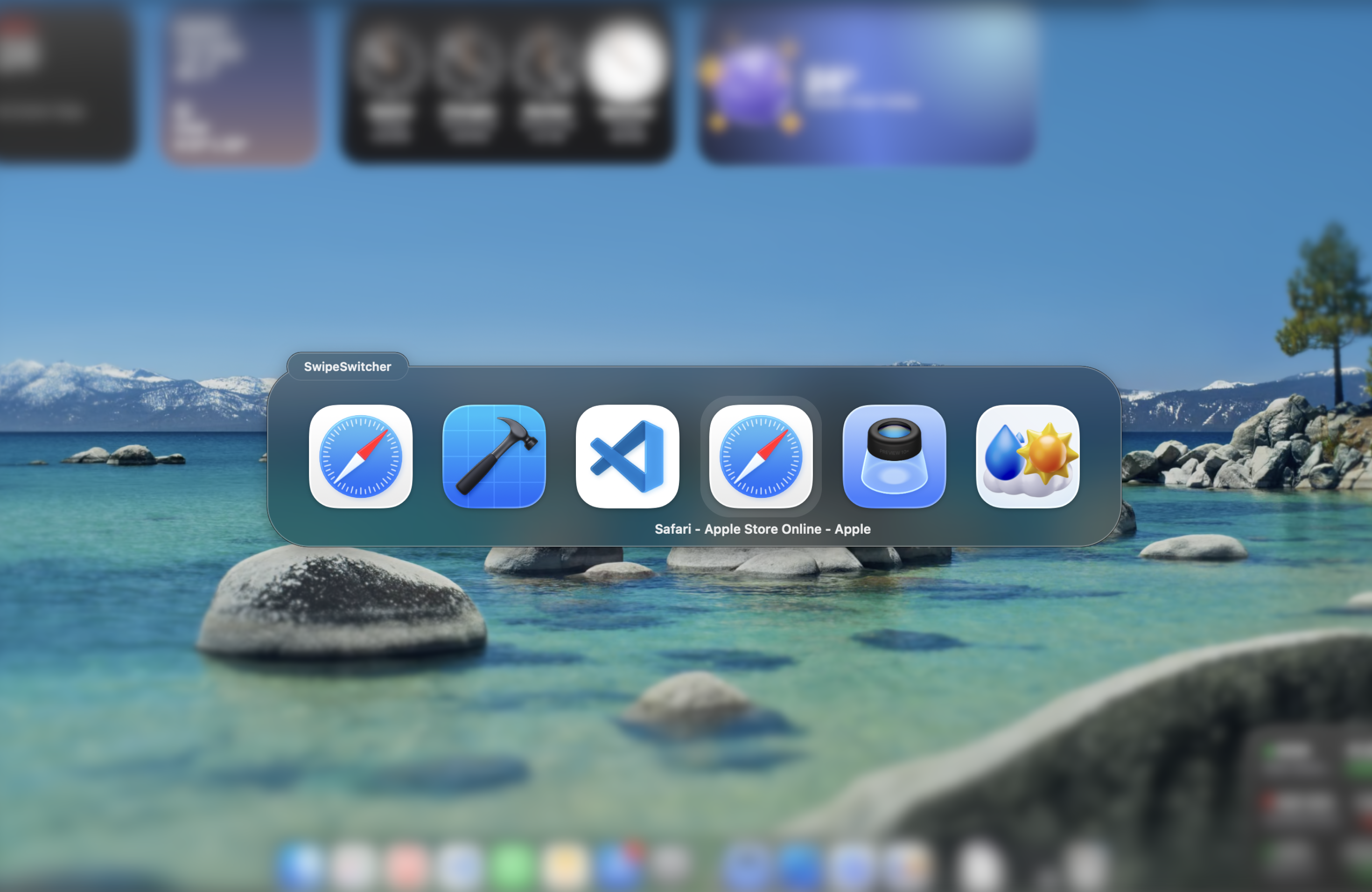
Switch to any app or window with one gesture.
Glide straight to the exact place you need without breaking your focus.
A single three-finger swipe to switch to any open app
—or exact window—
macOS 13 or later Lives in your menu bar
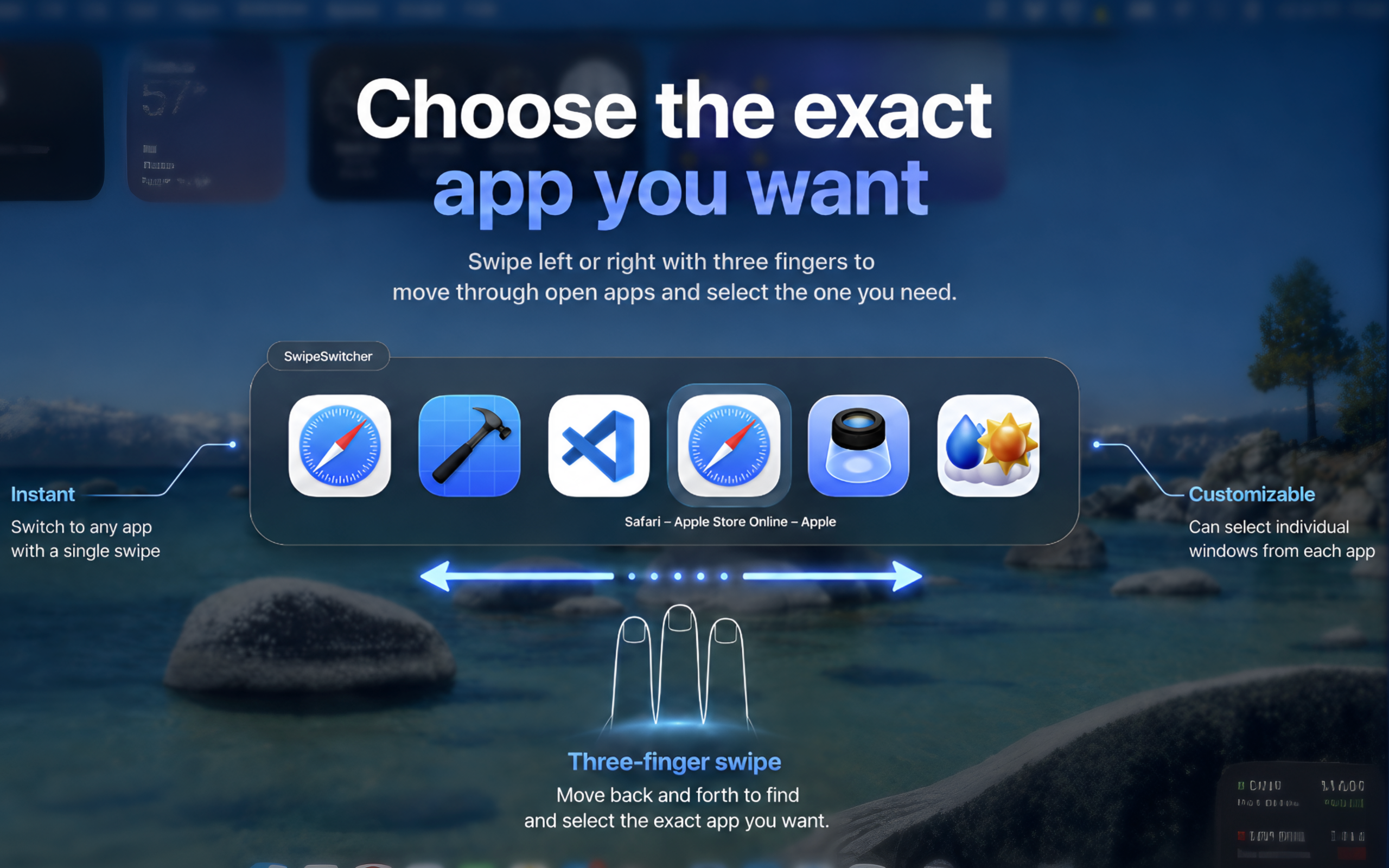
Explore the flow
Glide straight to the exact place you need without breaking your focus.
⌘+Tab available on the website download version only — not available in the Mac App Store version.
Reverse direction naturally without starting the switch over.
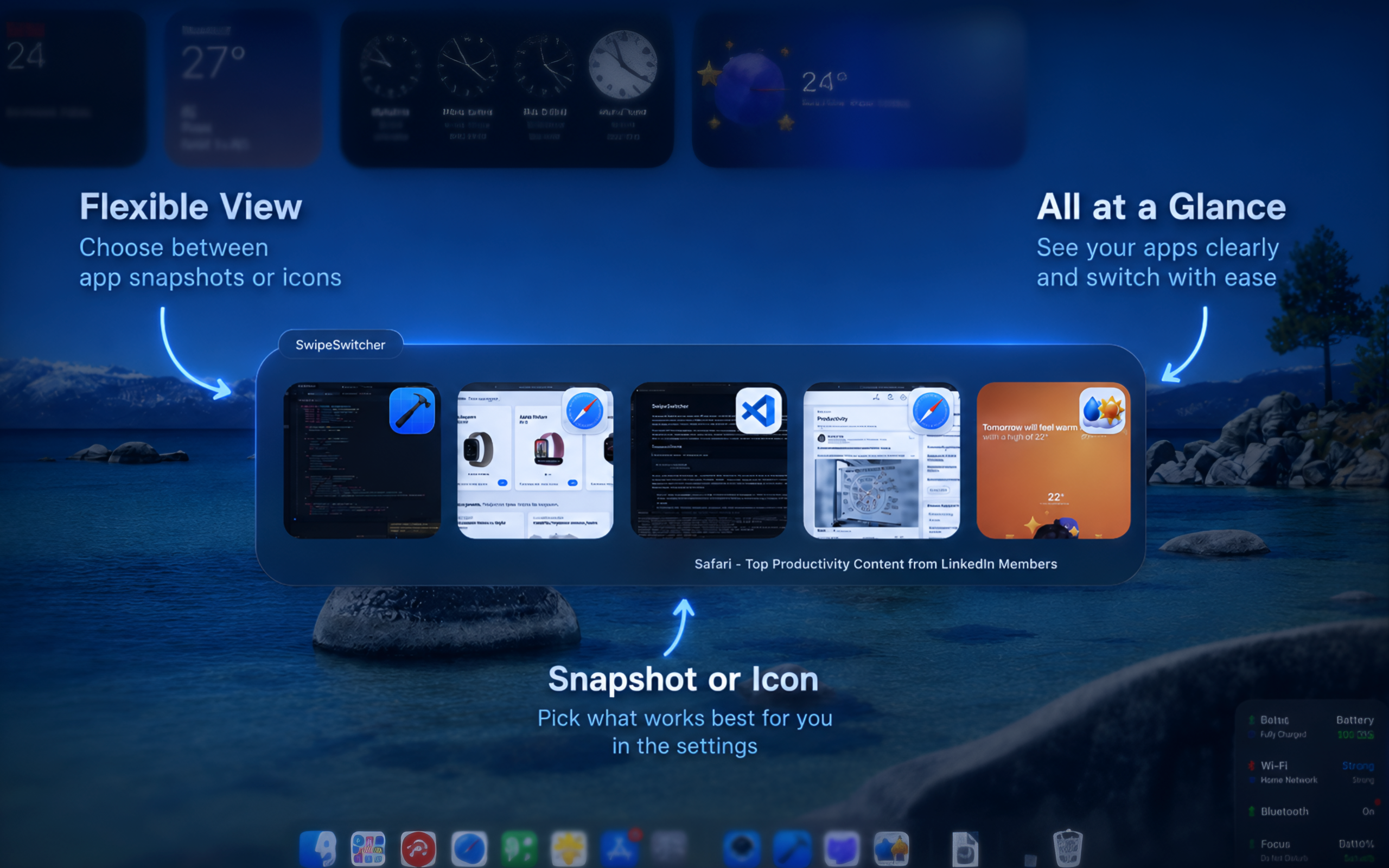
Choose the view that makes it easiest to recognize your next destination.
SwipeSwitcher makes switching feel as natural as the gesture itself. Glide left or right with three fingers, see exactly where you are, and land on the app you want.
Meet the details01 — Feel the flow
Move naturally through your open apps without breaking focus. The switcher responds as you swipe, so your destination is always one smooth motion away.
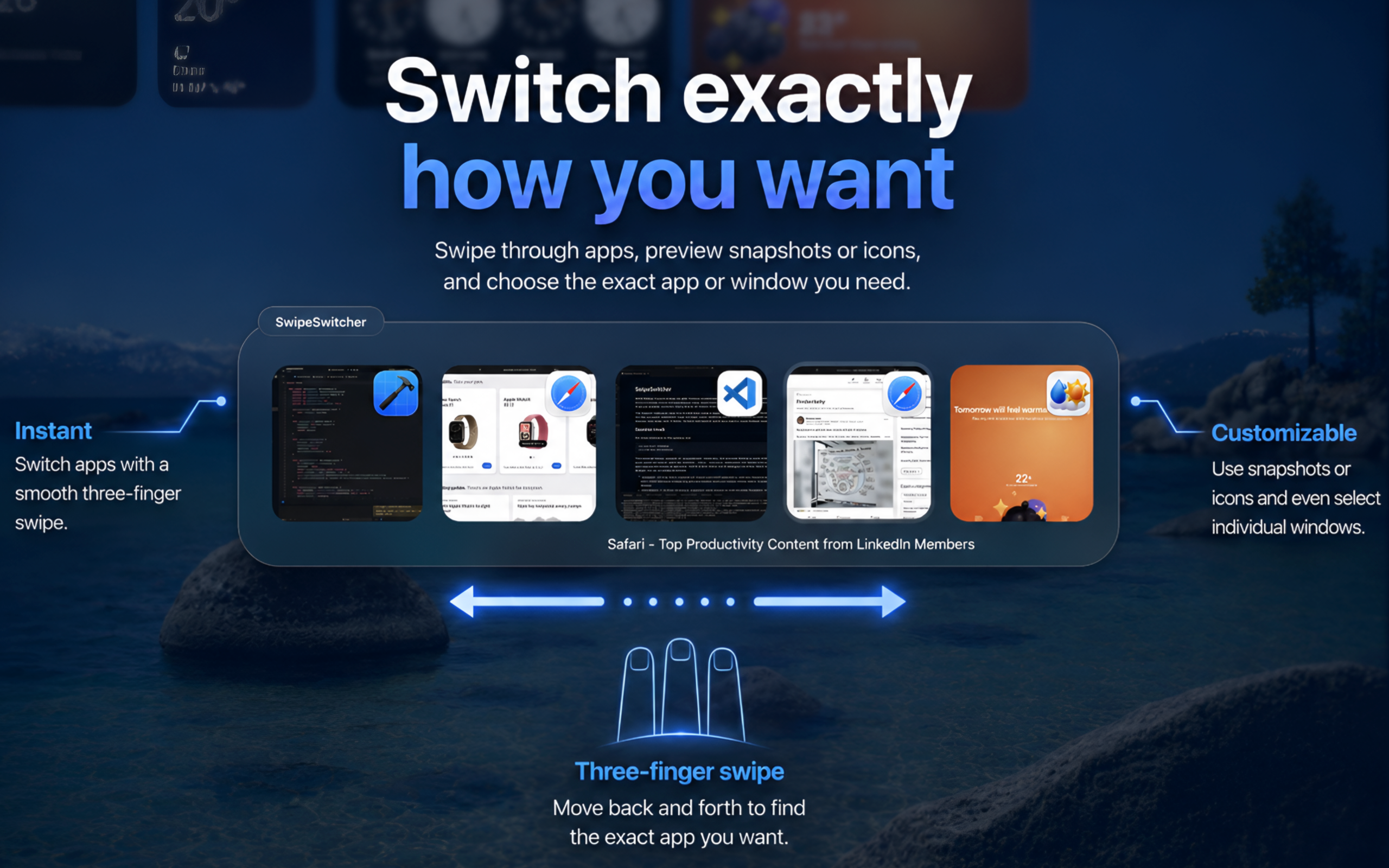
02 — Choose precisely
Need a specific Safari tab, editor, or project window? SwipeSwitcher can show every visible window, so you can skip the extra click and get straight back to work.
Get SwipeSwitcher03 — Make it yours
Prefer familiar icons? Keep it clean. Want visual certainty? Turn on live snapshots. SwipeSwitcher gives you a flexible switcher without turning it into another thing to manage.
Everything stays simple
Swipe naturally through running apps at your own pace.
Choose an individual window when one app is not enough.
Preview open windows or keep the switcher beautifully minimal.
Lives in the menu bar and stays out of your way until you need it.
Designed for Mac trackpads and macOS 13 or later.
Fully offline. No accounts, analytics, tracking, or telemetry.

Ready when you are
Download SwipeSwitcher and make every move between apps feel effortless.
Requires macOS 13 or later